Avatar: Frontiers of Pandora — Gameplay UX & Accessibility
Avatar: Frontiers of Pandora is a large-scale open-world game built around exploration, traversal, and combat from a first-person perspective. The game introduces a wide range of mechanics and systems that need to be readable, learnable, and usable without pulling players out of the experience.
I worked as a UX & Accessibility designer on Avatar: Frontiers of Pandora, contributing to gameplay UX and accessibility features across core player-facing systems. The work focused on supporting moment-to-moment gameplay through clear feedback, readable interfaces, and interaction patterns that could scale across different player needs and play styles.
A key part of the role was balancing immersion with clarity—making sure systems communicated the right information at the right time, while remaining accessible to a broad audience. This work was developed in close collaboration with design, engineering, accessibility, and user research.
Below are selected examples from this work, highlighting how gameplay UX and accessibility considerations were applied across different systems and scenarios.
The HUD
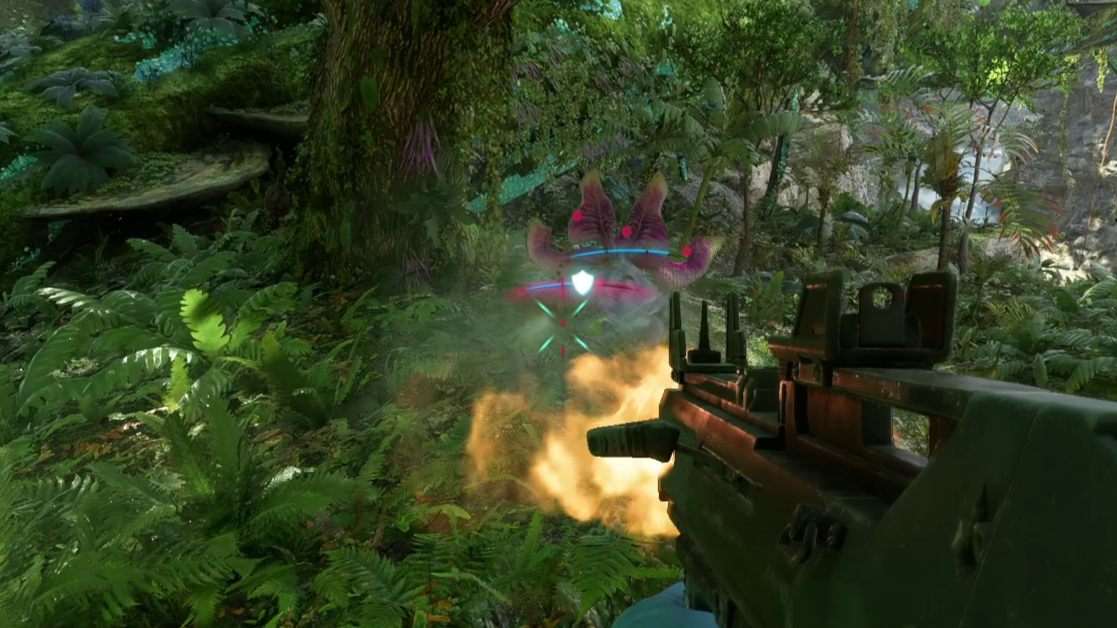
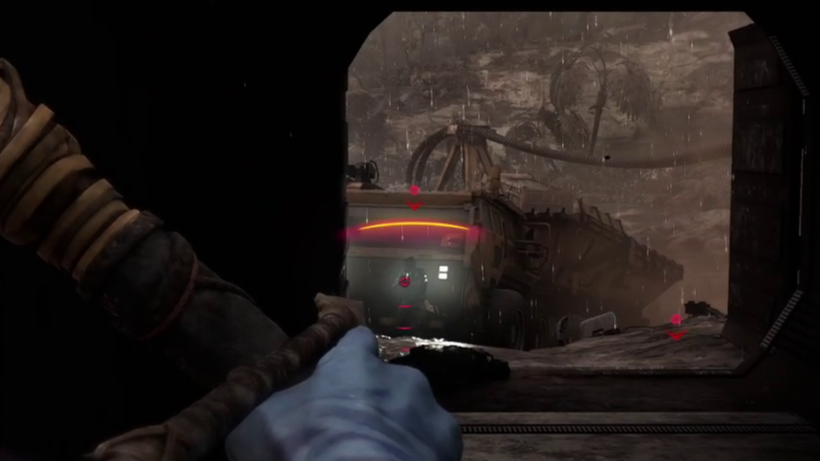
For the HUD, I worked on the item wheel used for selecting weapons and food, as well as enemy UI that communicates health, armor, and observation level. The focus was on clear visual feedback and readability, ensuring critical information is accessible during moment-to-moment gameplay.
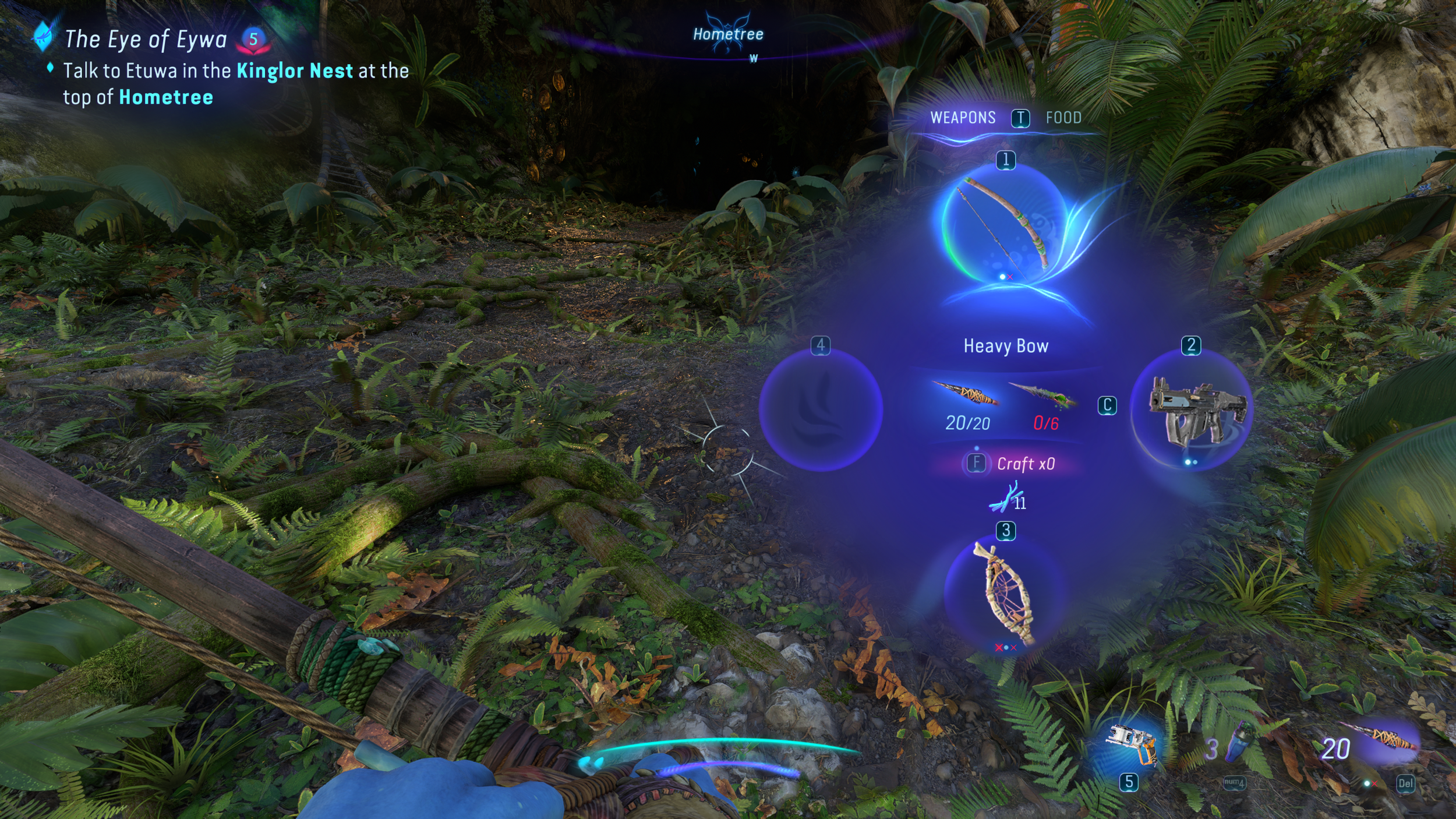
The item wheel
Combat UI
Enemy health & armor
The inventory
For the inventory, I worked on the flow and transitions between subcategories. Given the amount of information presented, a key focus was maintaining a clear, readable information hierarchy that supports accessibility and ease of navigation.
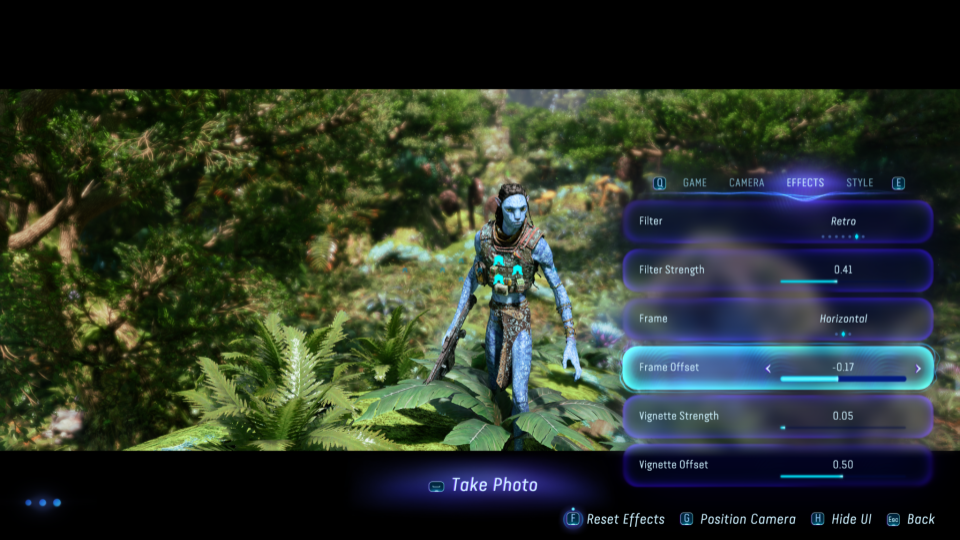
Photo mode
For Photo Mode, I focused on navigation and camera controls that remain smooth and predictable, allowing players to take photos in co-op without pausing the game. I also worked on the UI and visual effects, with an emphasis on clarity, accessibility, and ease of use.
Photo mode UI

Settings menu
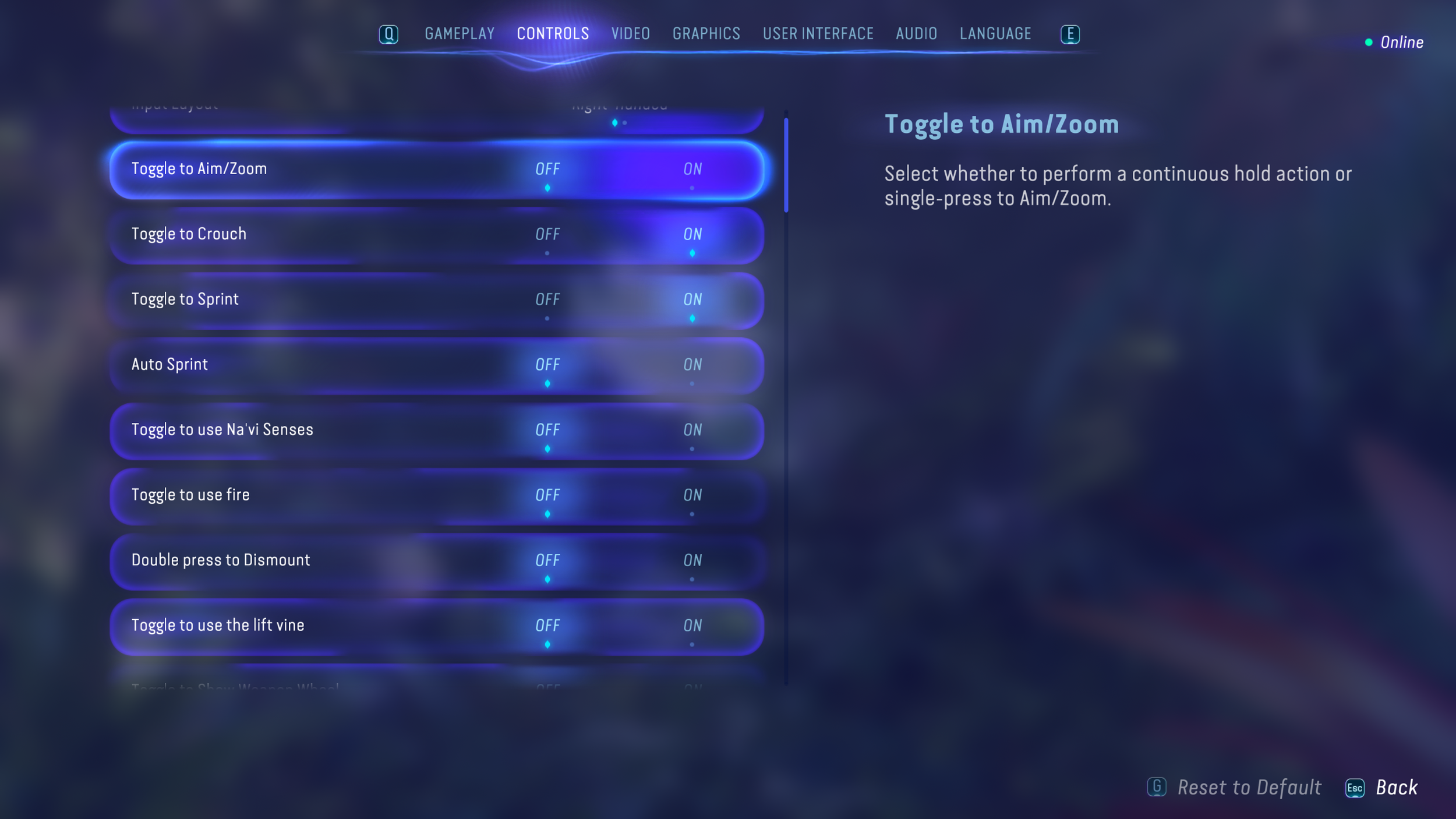
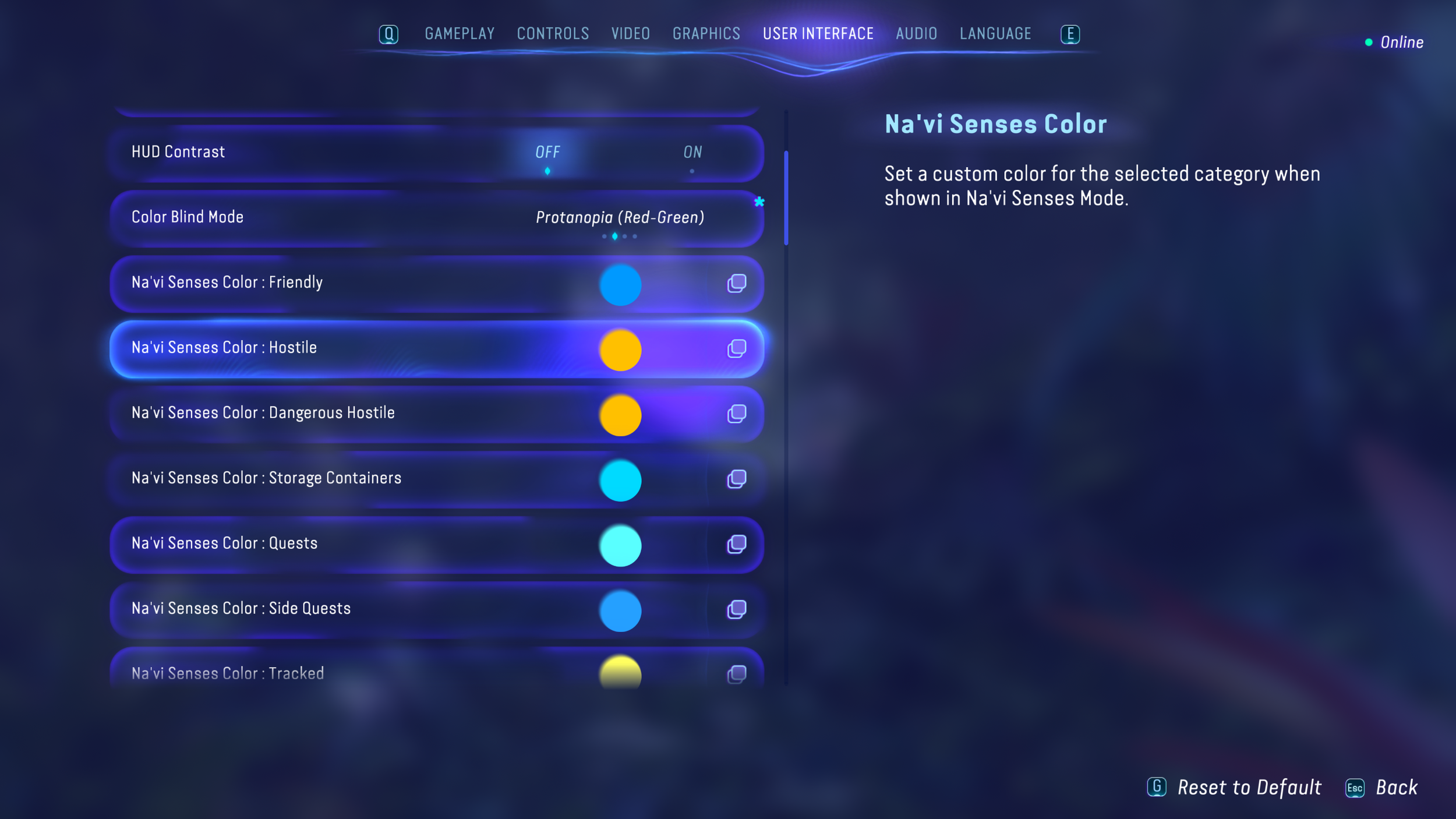
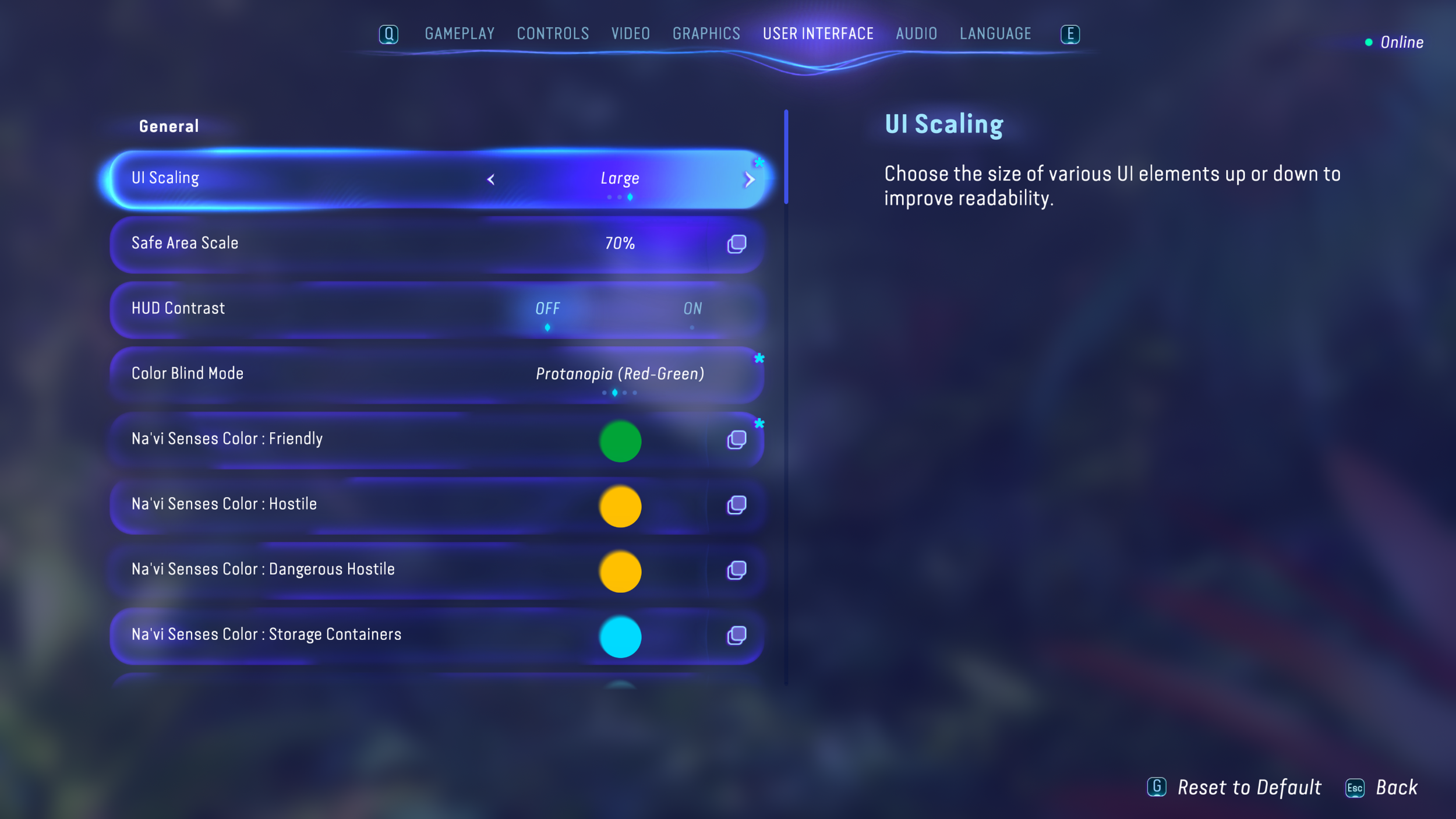
For the Settings menu, I was the sole designer on the feature. Functionality and accessibility were the primary pillars, with a focus on a clear, navigable structure that supports a wide range of player needs. I also worked on accessibility features that are configured through the settings menu.
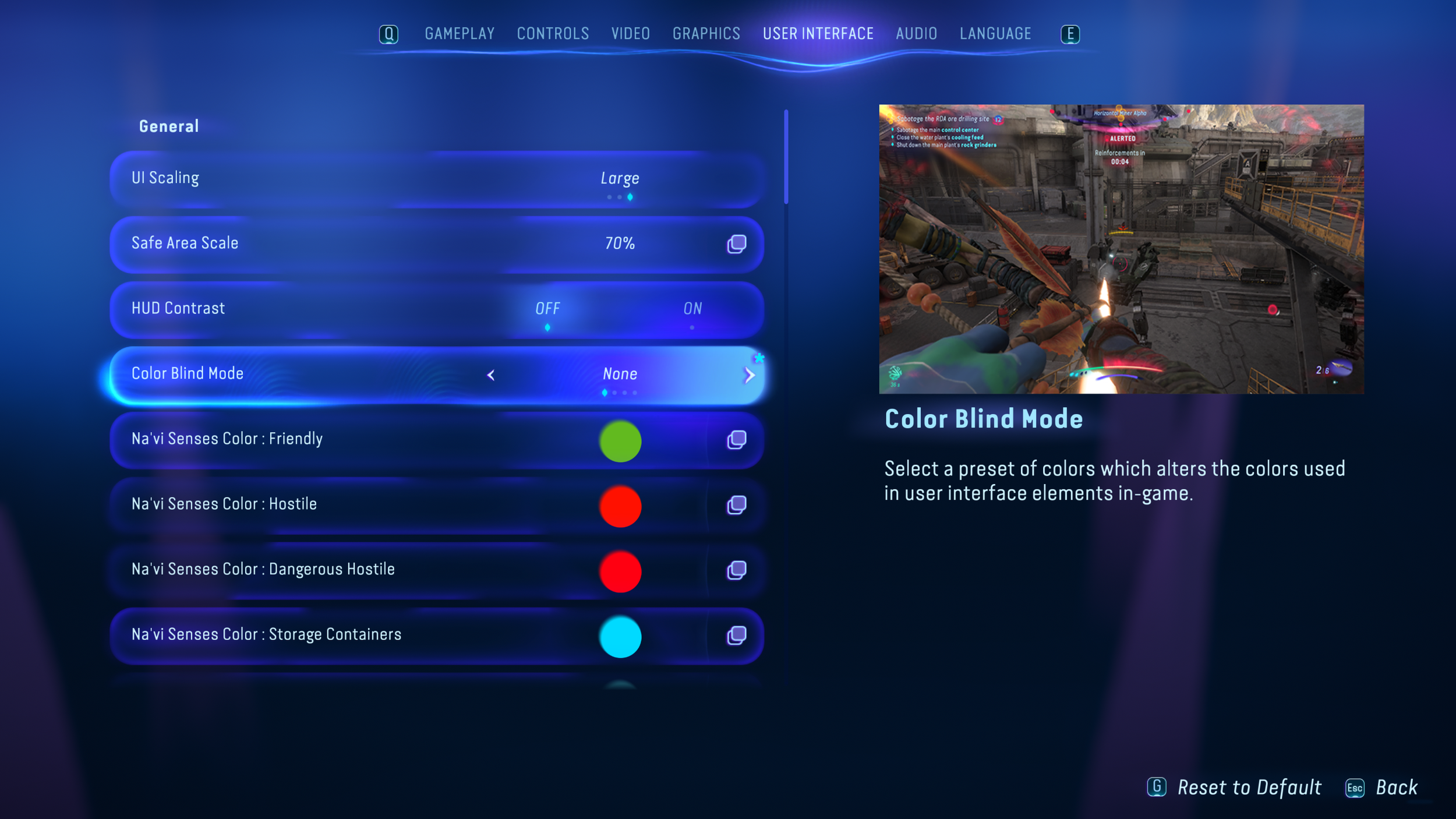
Settings menu tabs
Accessibility features
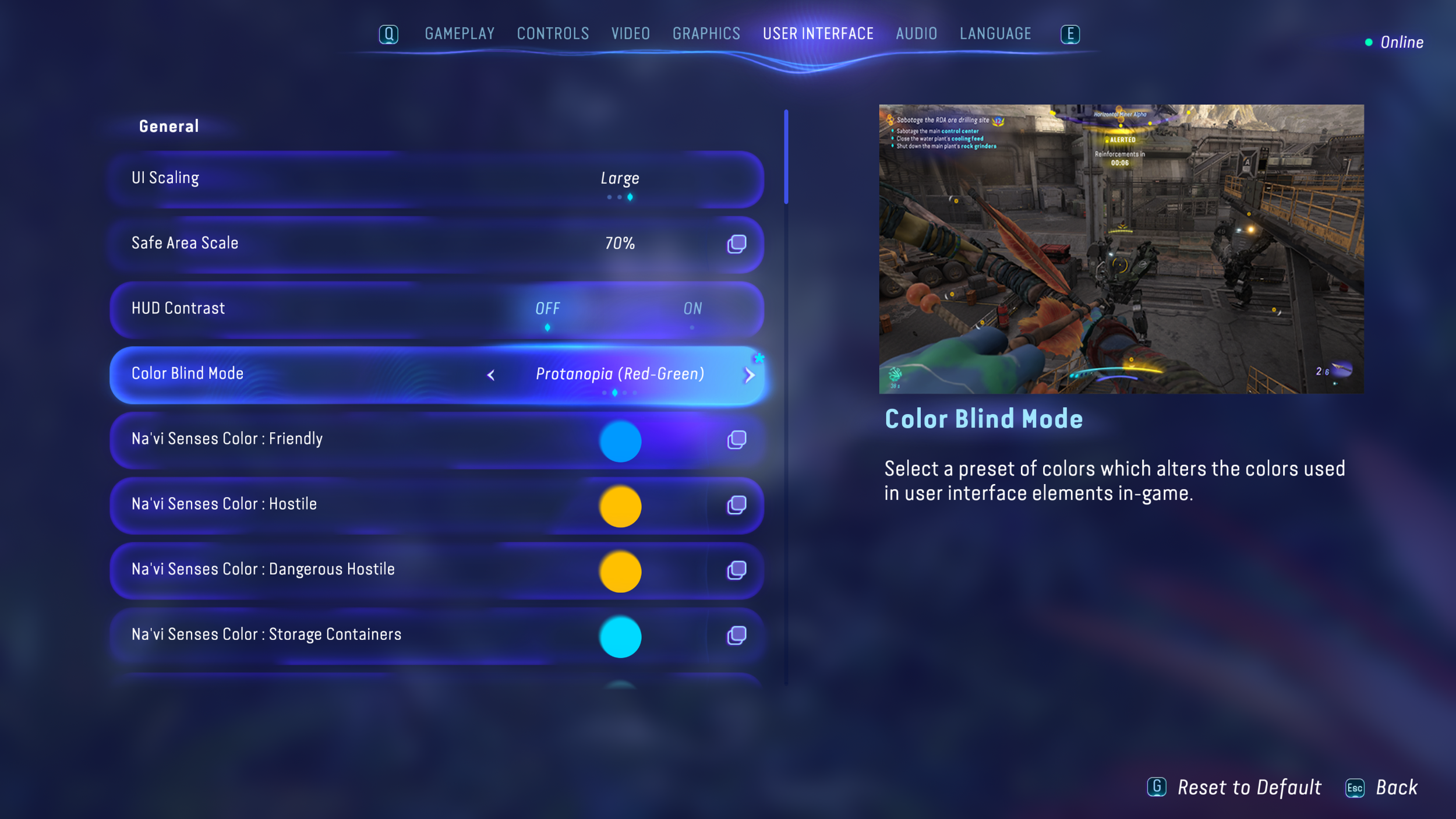
Colorblind presets
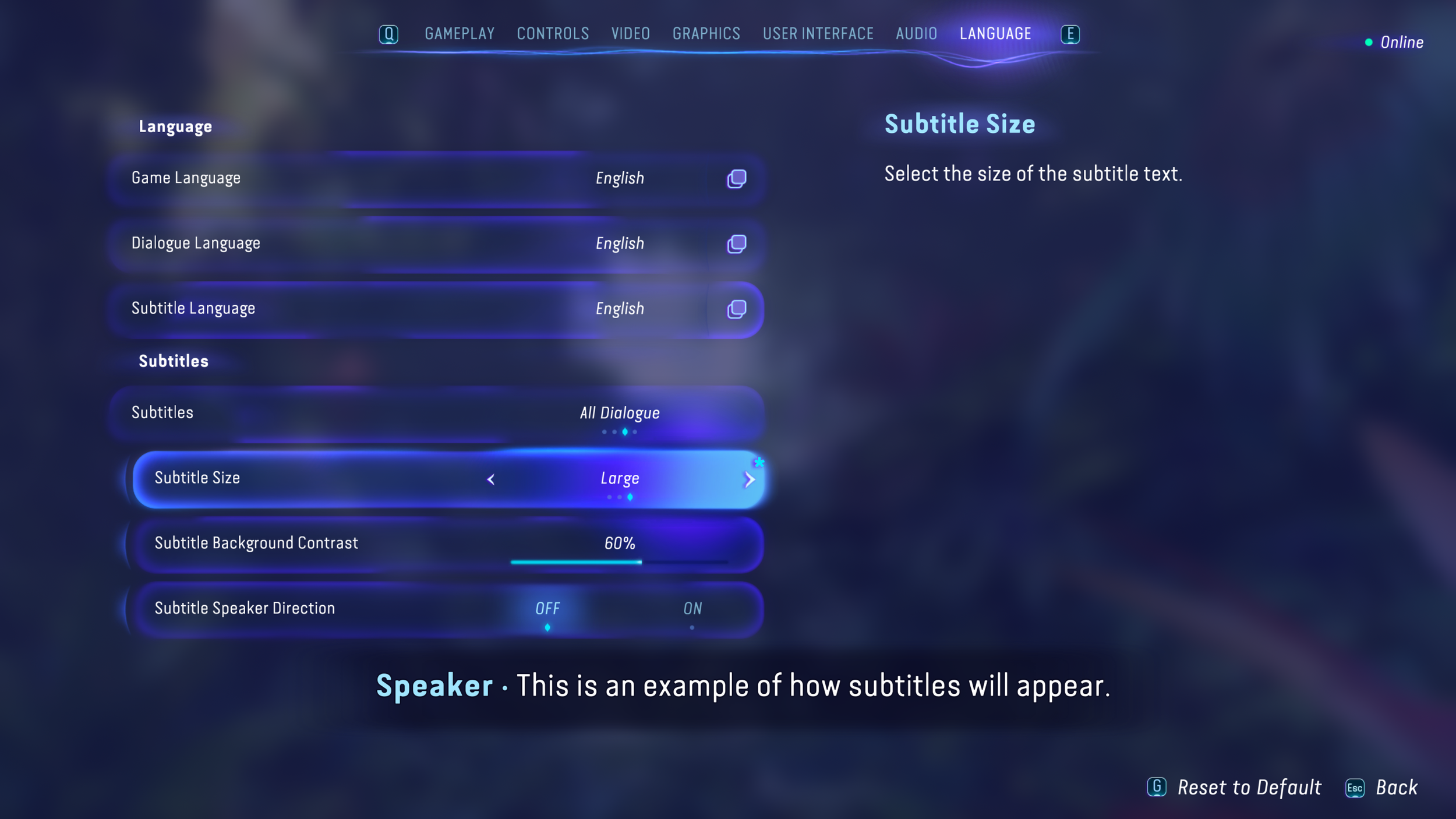
Extensive subtitle support
Full UI color customization
UI scaling presets
Color picker screen

Controller motor support