Minecraft Bedrock — Menu Experience
Minecraft Bedrock’s out-of-game experience serves players across platforms and input methods. Over time, the menu system became fragmented, with patterns and interactions that were difficult to scale, maintain, and make accessible.
I lead UX & Accessibility for the menu experience, working to modernize core surfaces like the Play screen, Friends drawer, and Settings menu, and contributing to features such as Flat Worlds. Alongside feature work, much of the focus has been on improving the UI design system—raising accessibility, consistency, and long-term maintainability.
Below are selected examples of this work, showing how these goals translated into concrete changes across the menu experience.
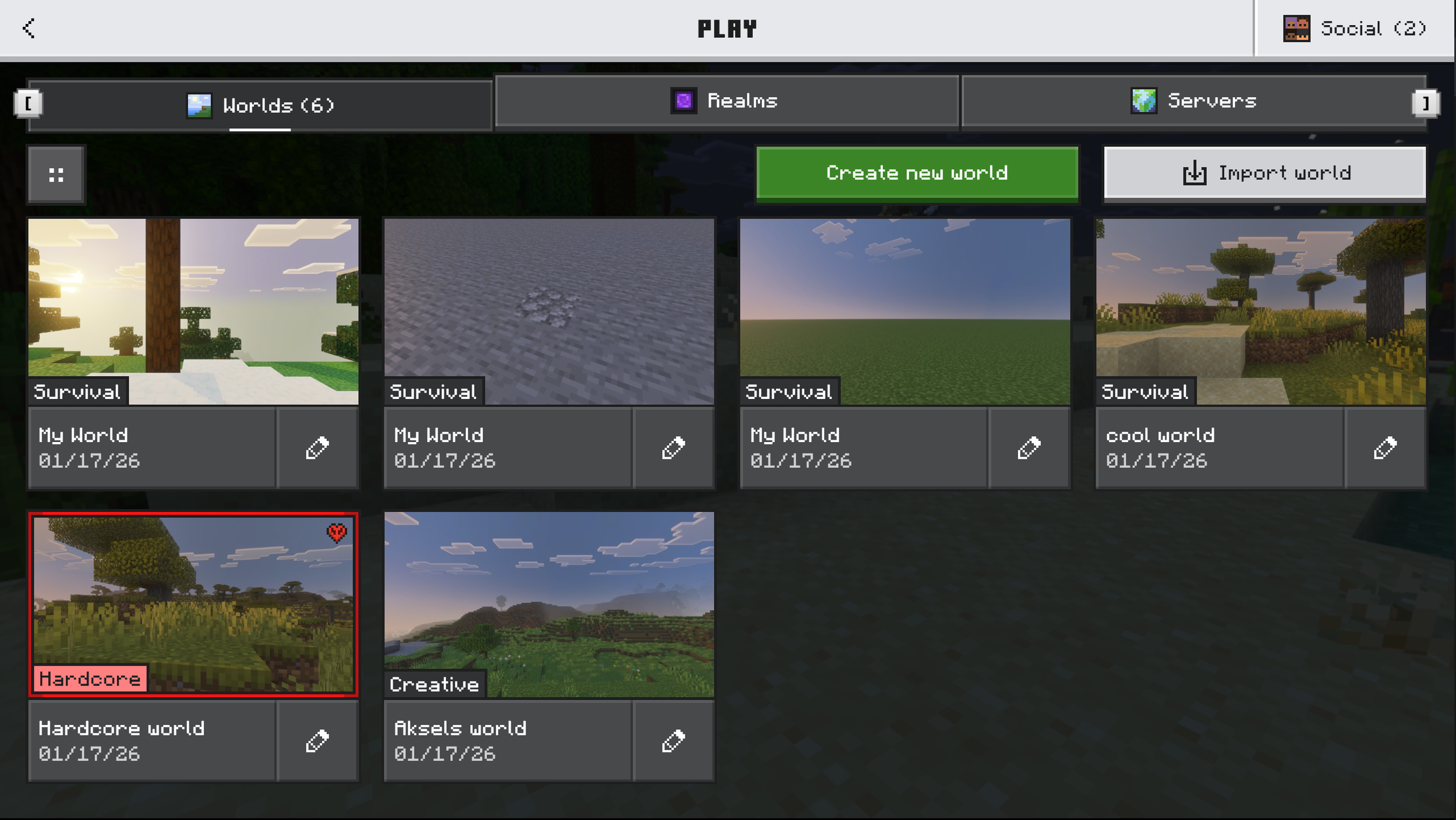
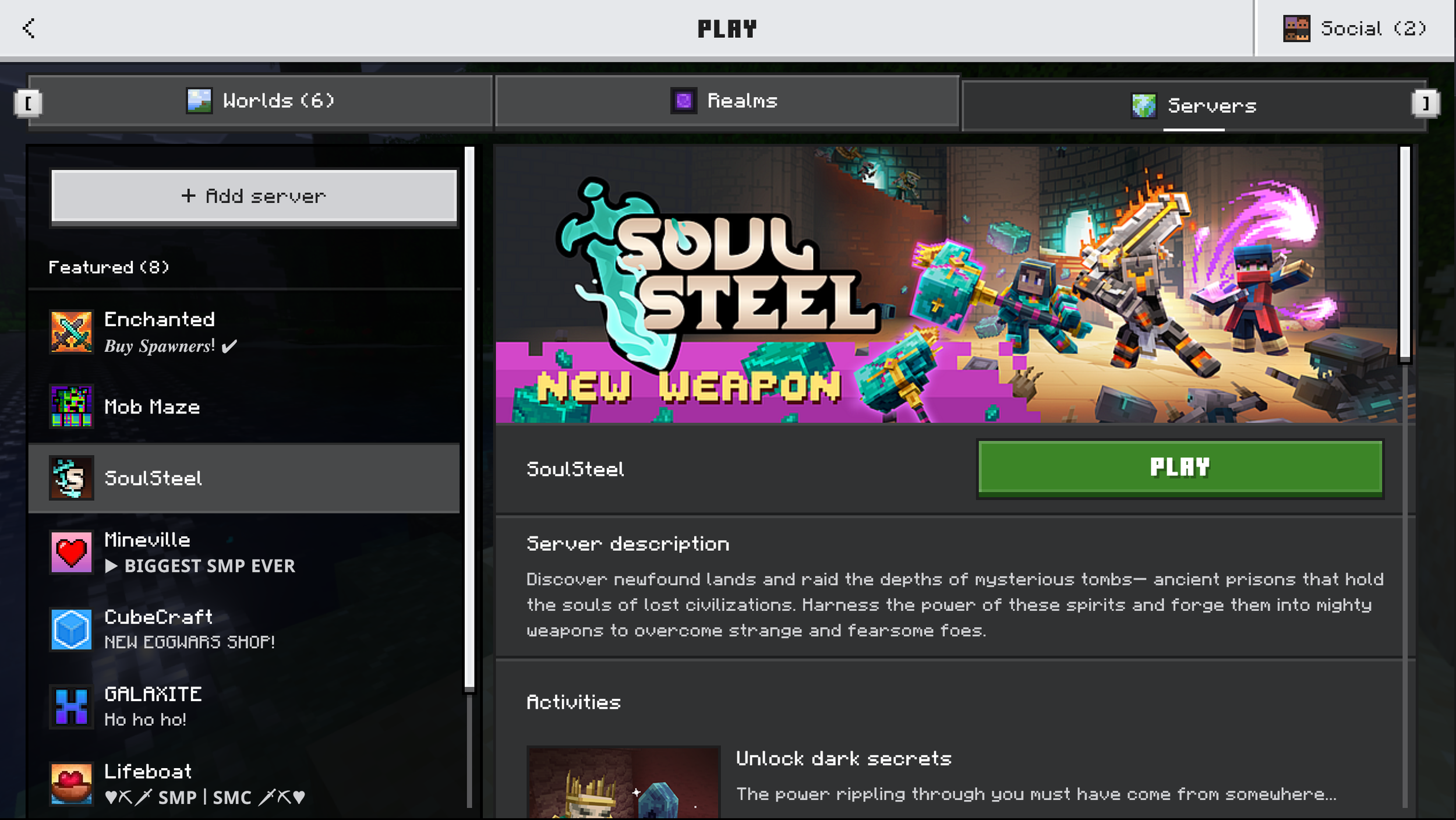
The Play screen
Redesigned layout and navigation to make local worlds and servers easier to scan and access.
The Worlds tab
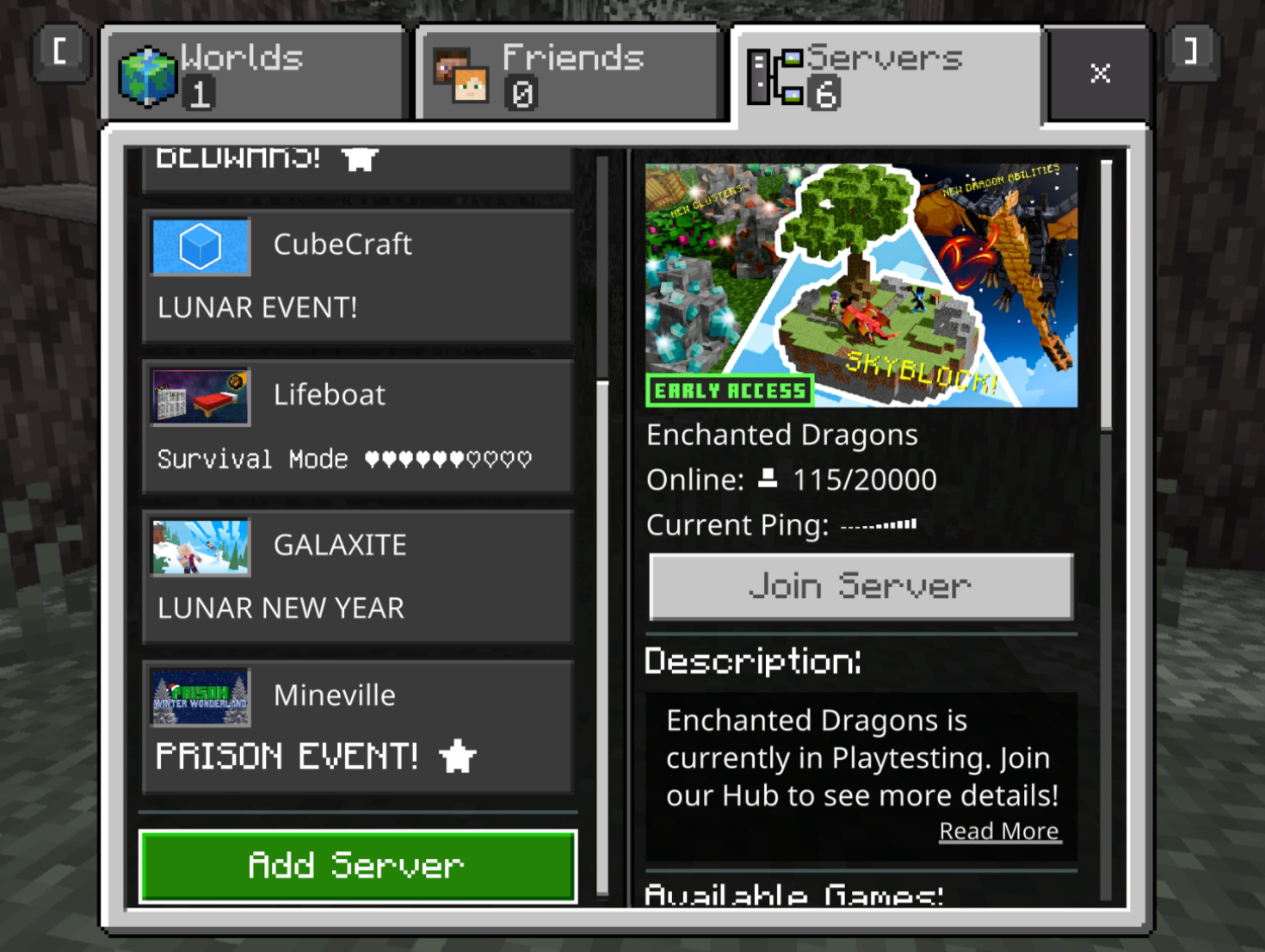
The Servers tab
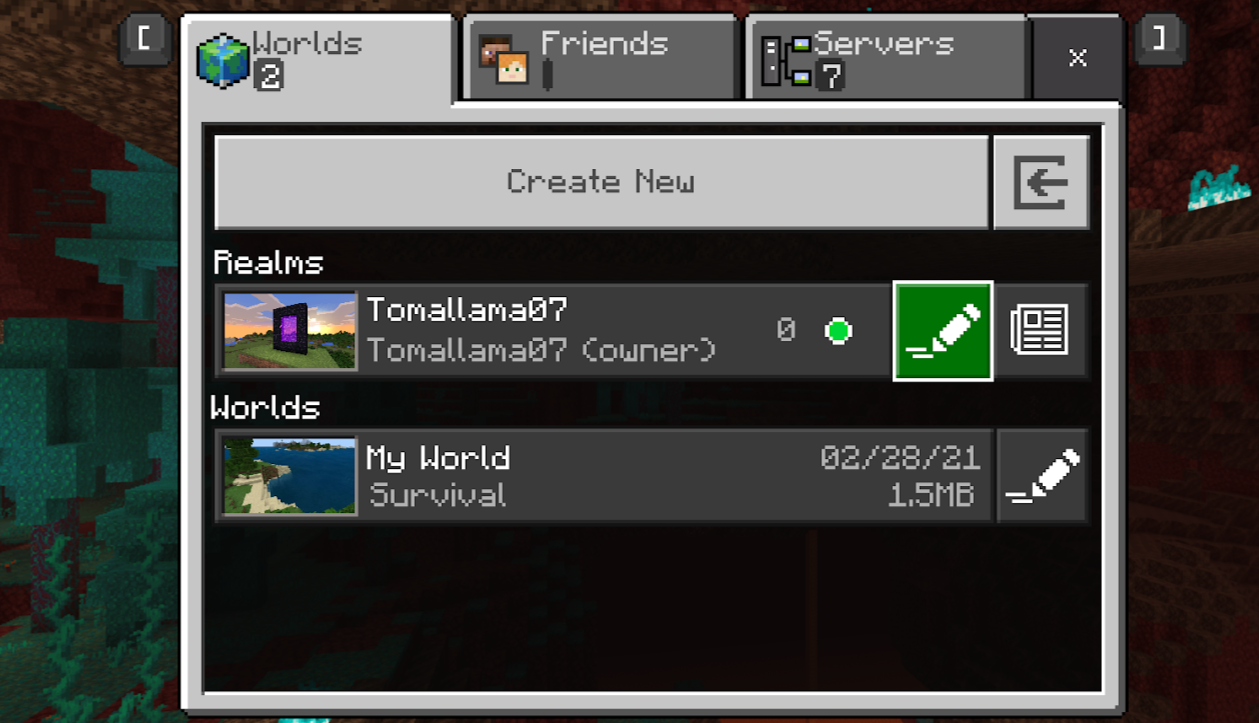
Before the update
The previous Worlds tab
The previous Servers tab
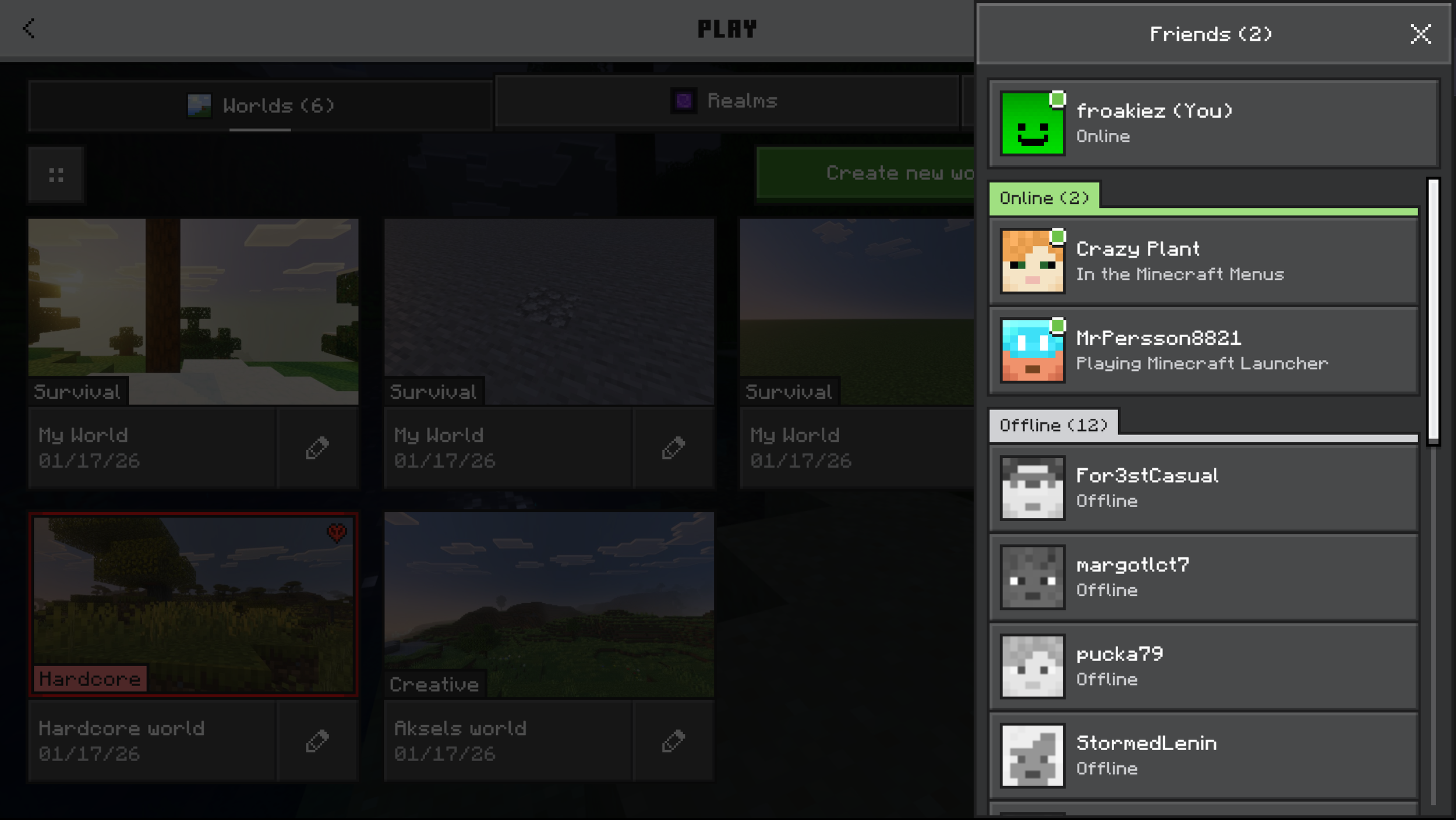
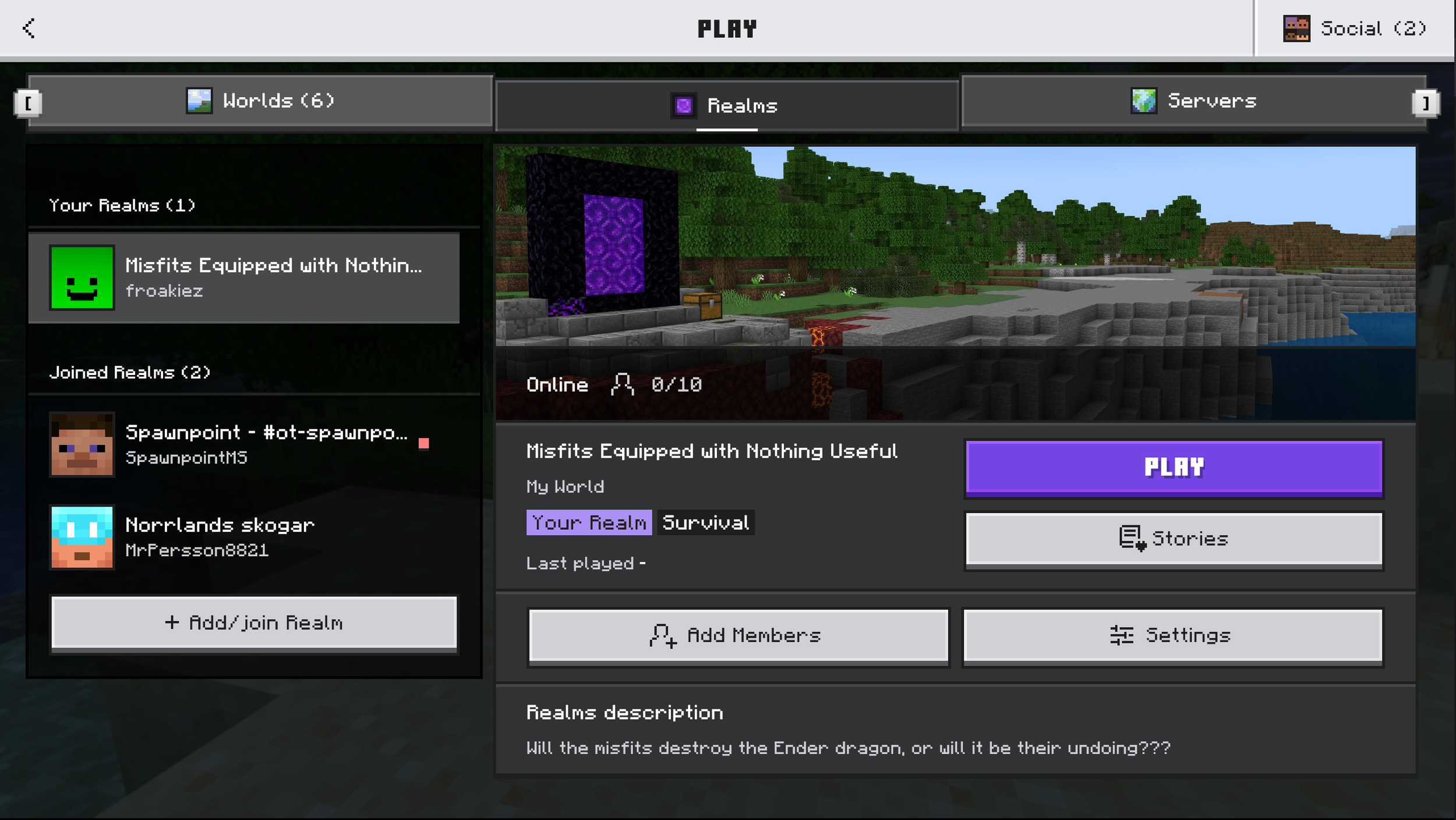
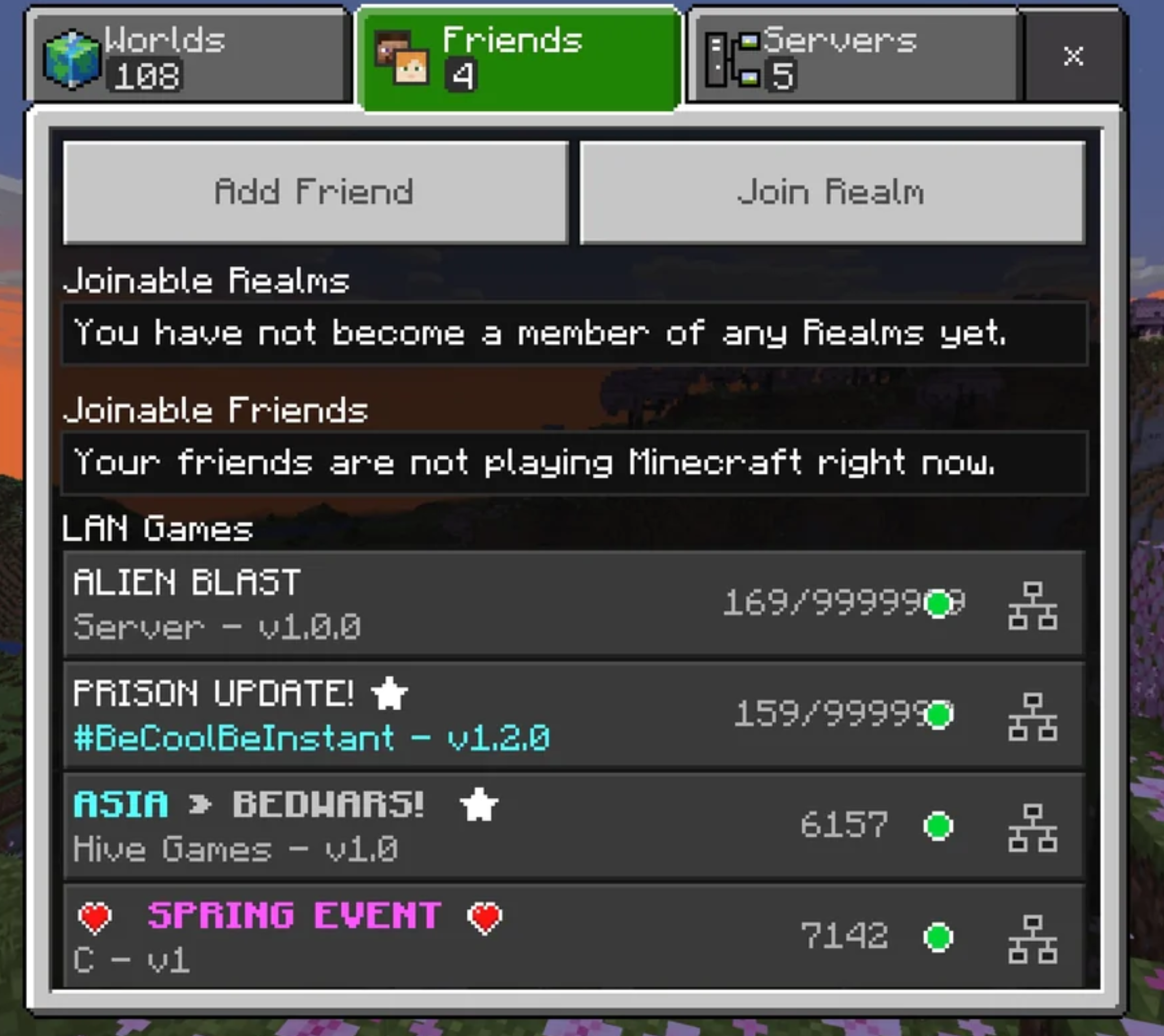
Friends & social
Organized social information and actions to make joining friends, realms and multiplayer sessions clearer and easier.
The Friends drawer
The Realms tab
Before the update
The previous Friends & social tab
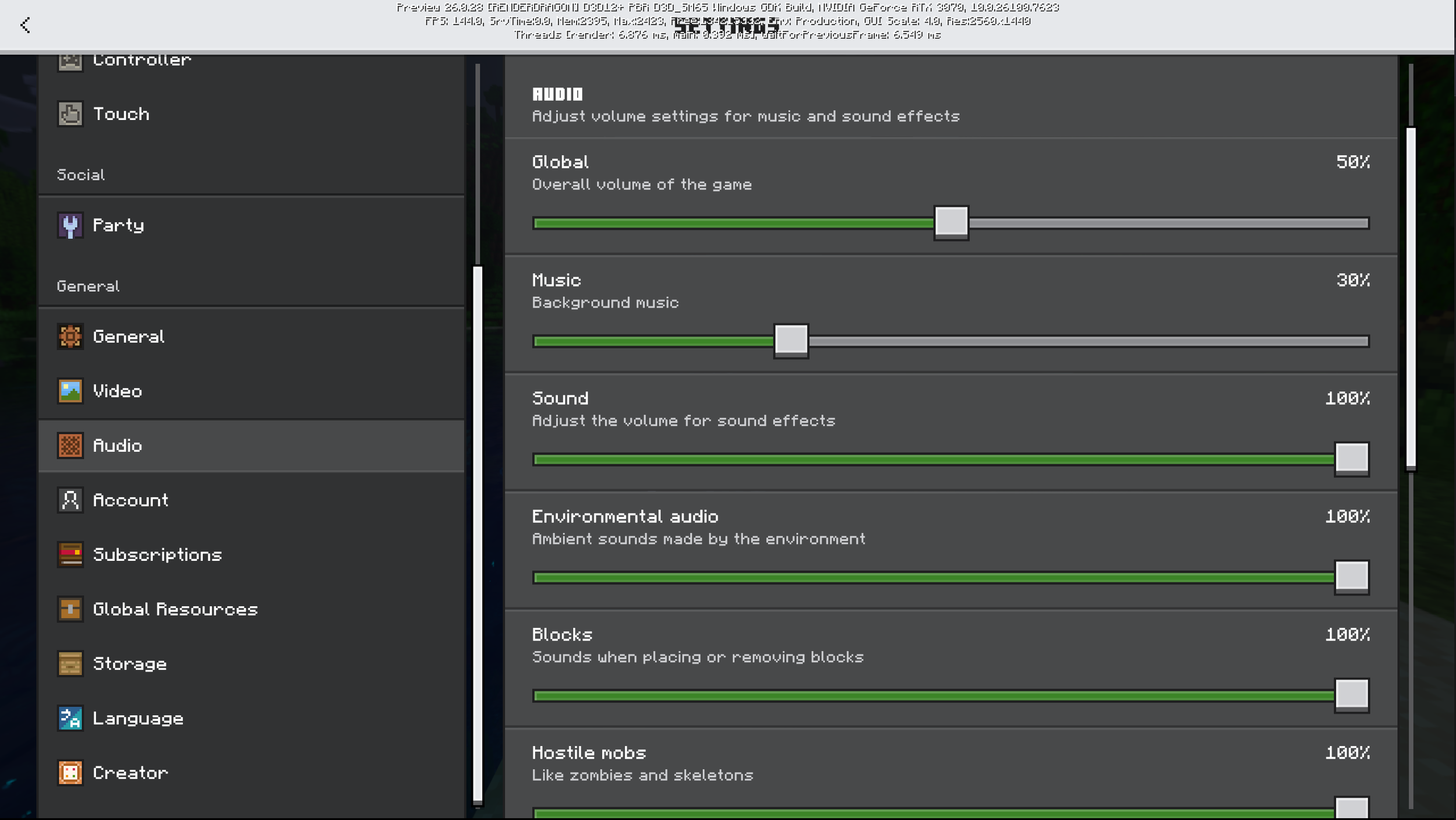
The Settings menu
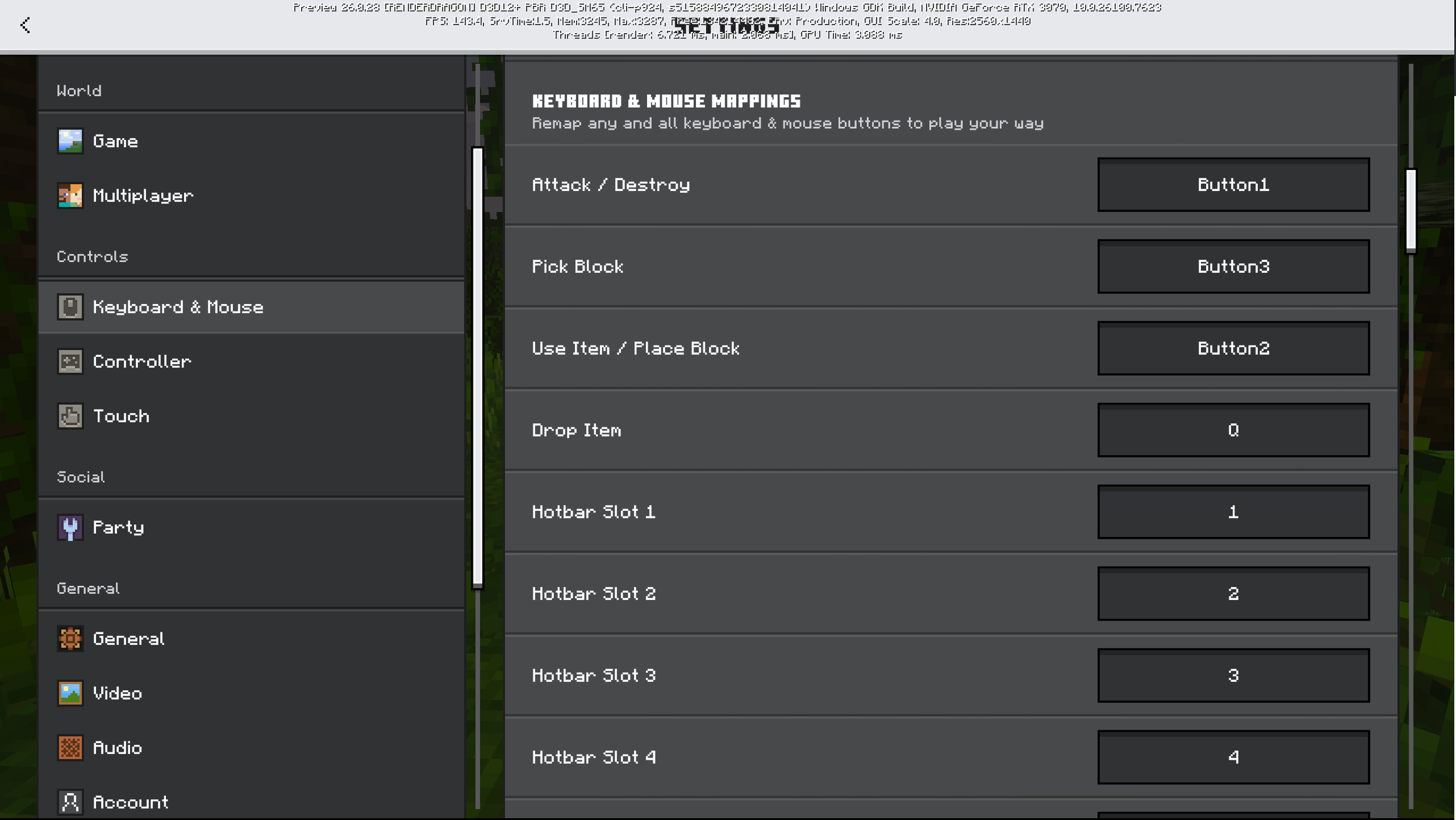
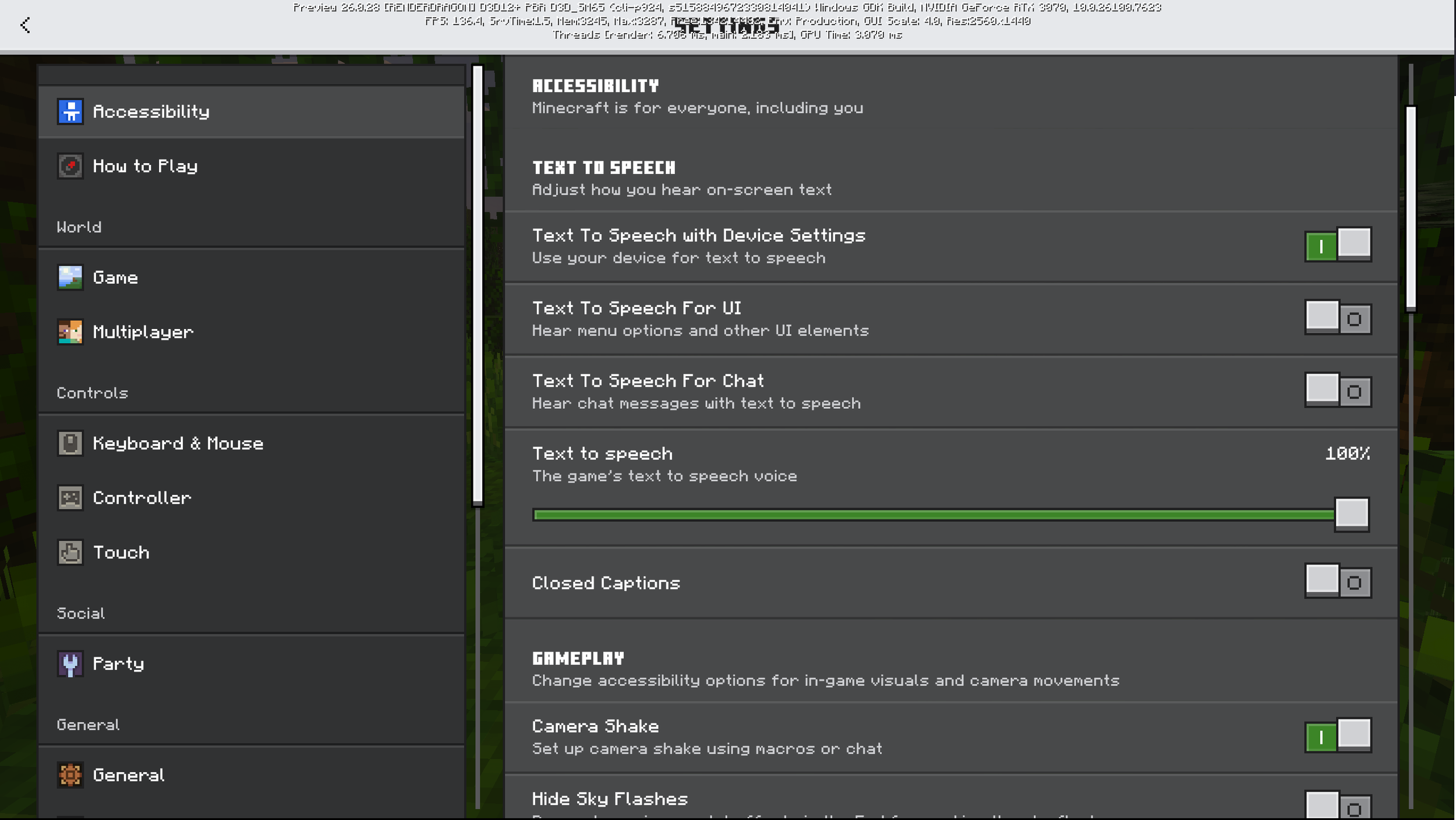
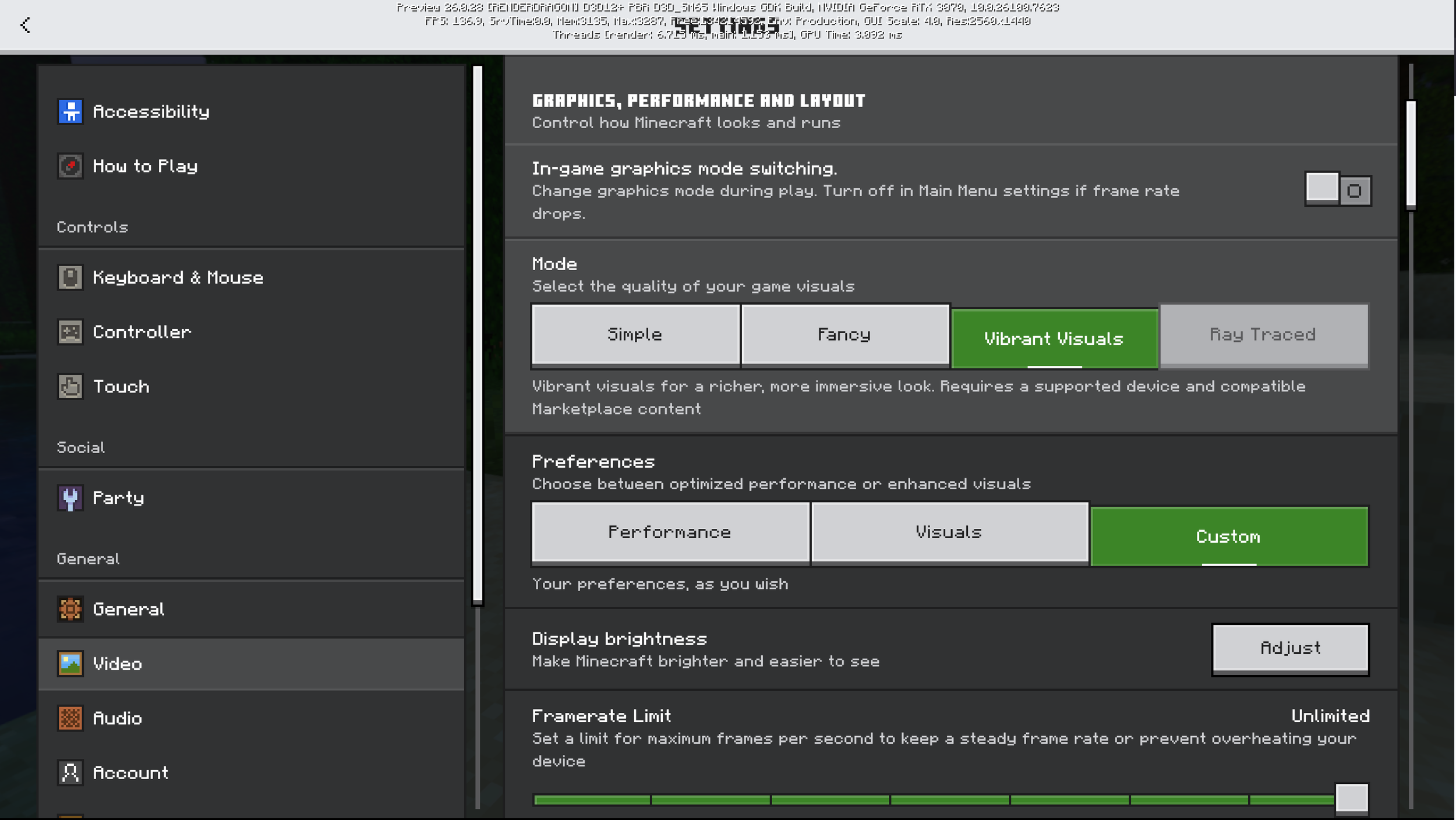
Selected examples from the Settings menu, focusing on clarity, accessibility, and consistent structure.
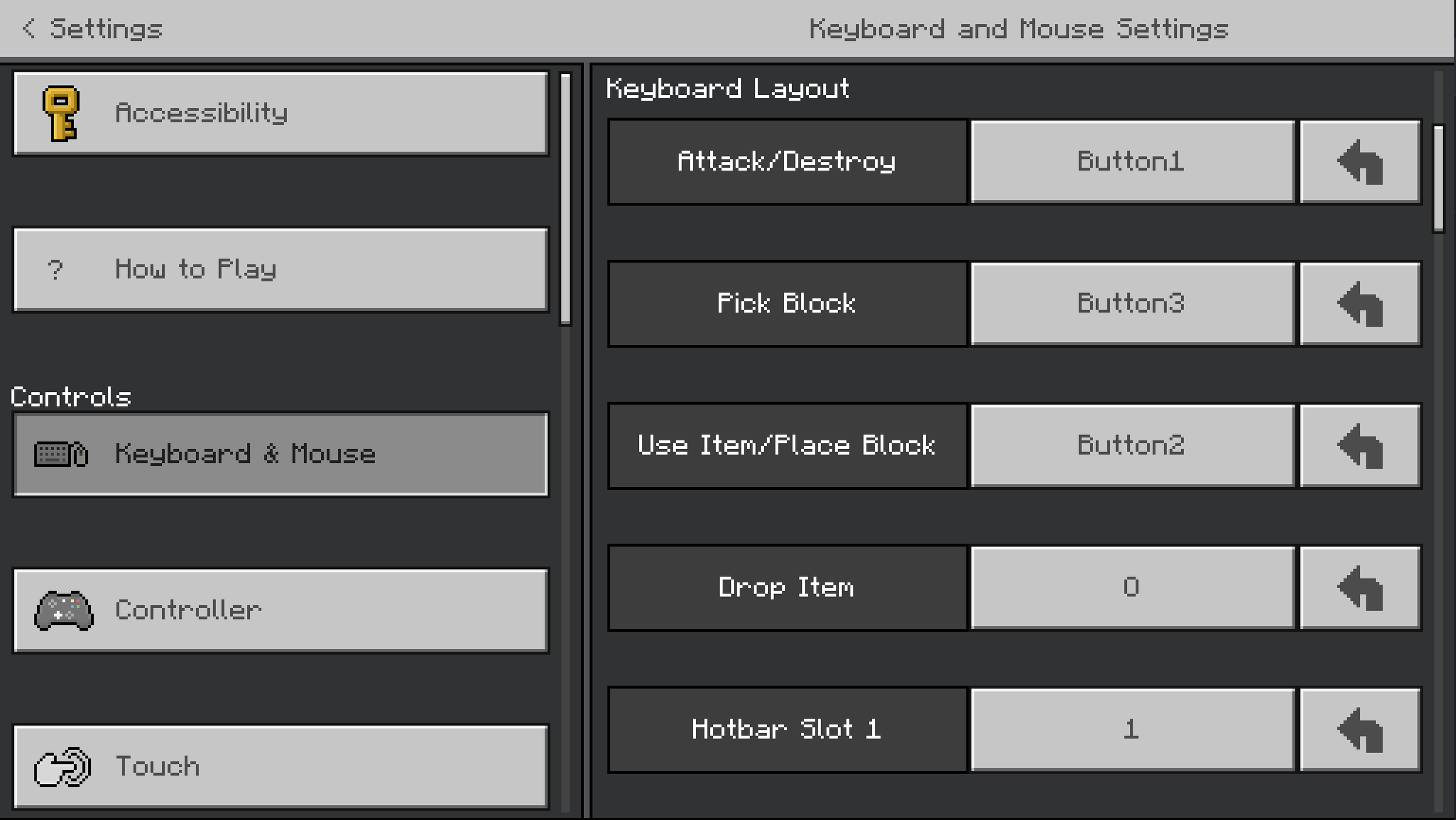
The Keybinding screen
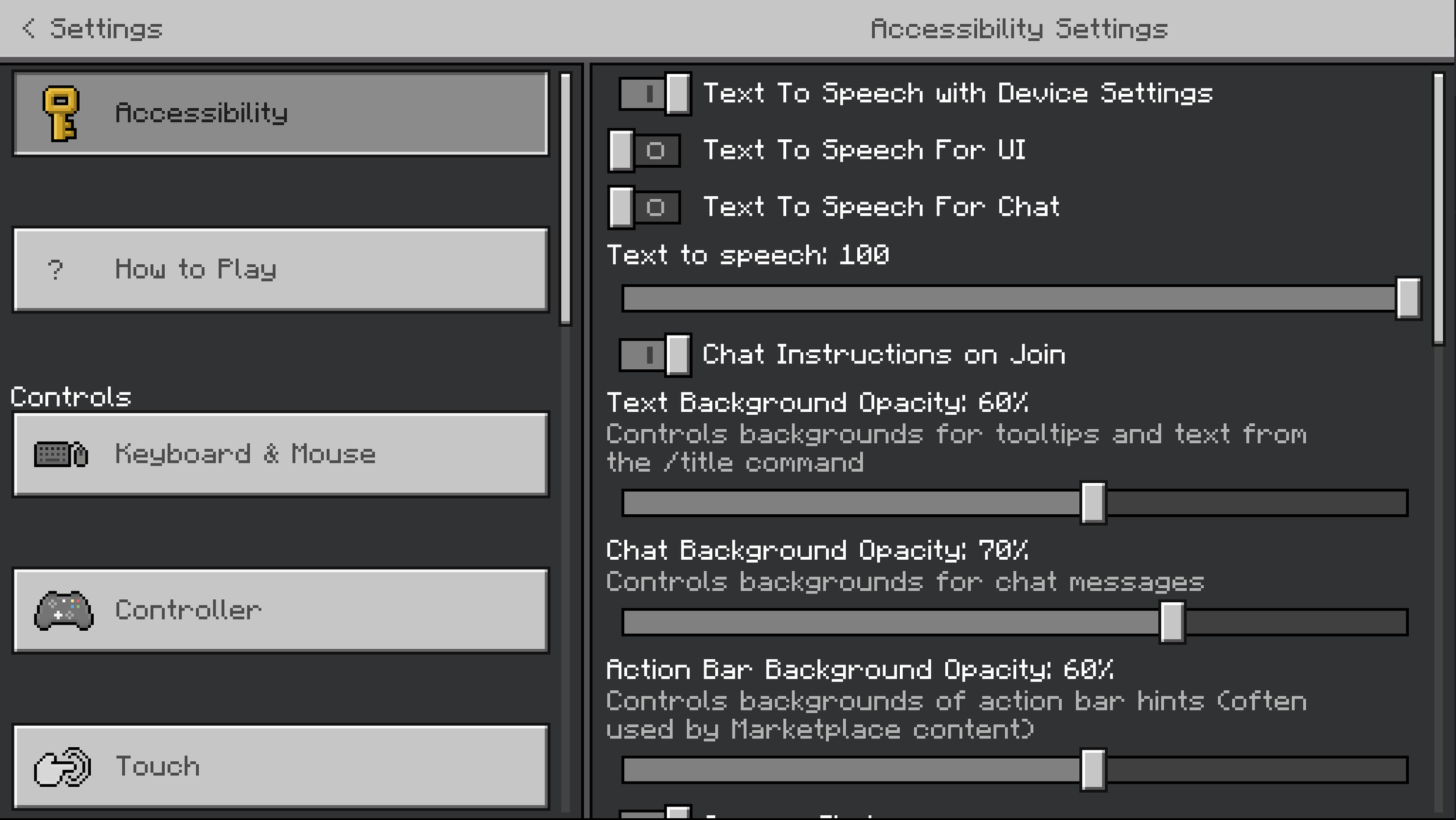
The Accessibility screen
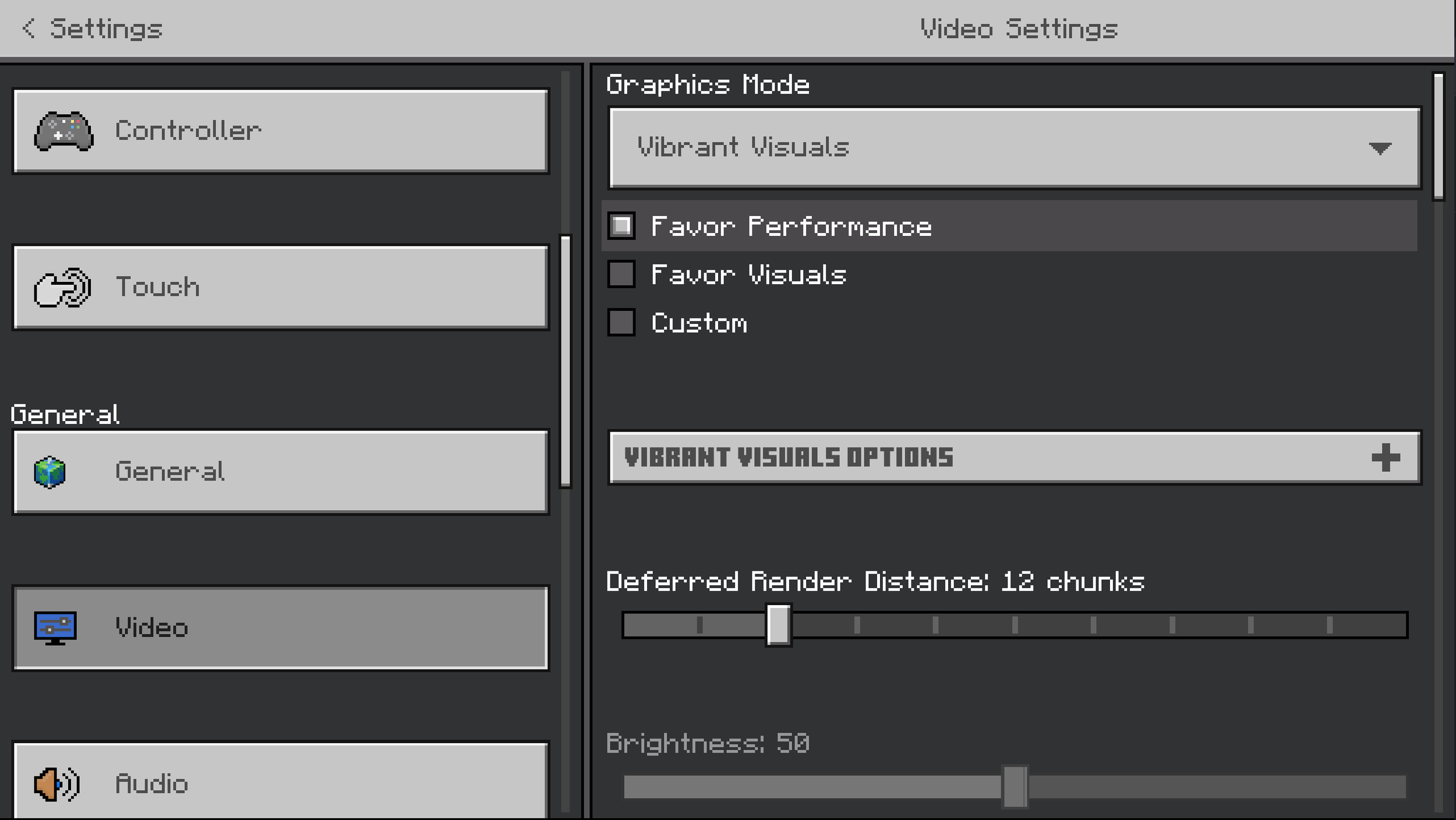
The Video screen
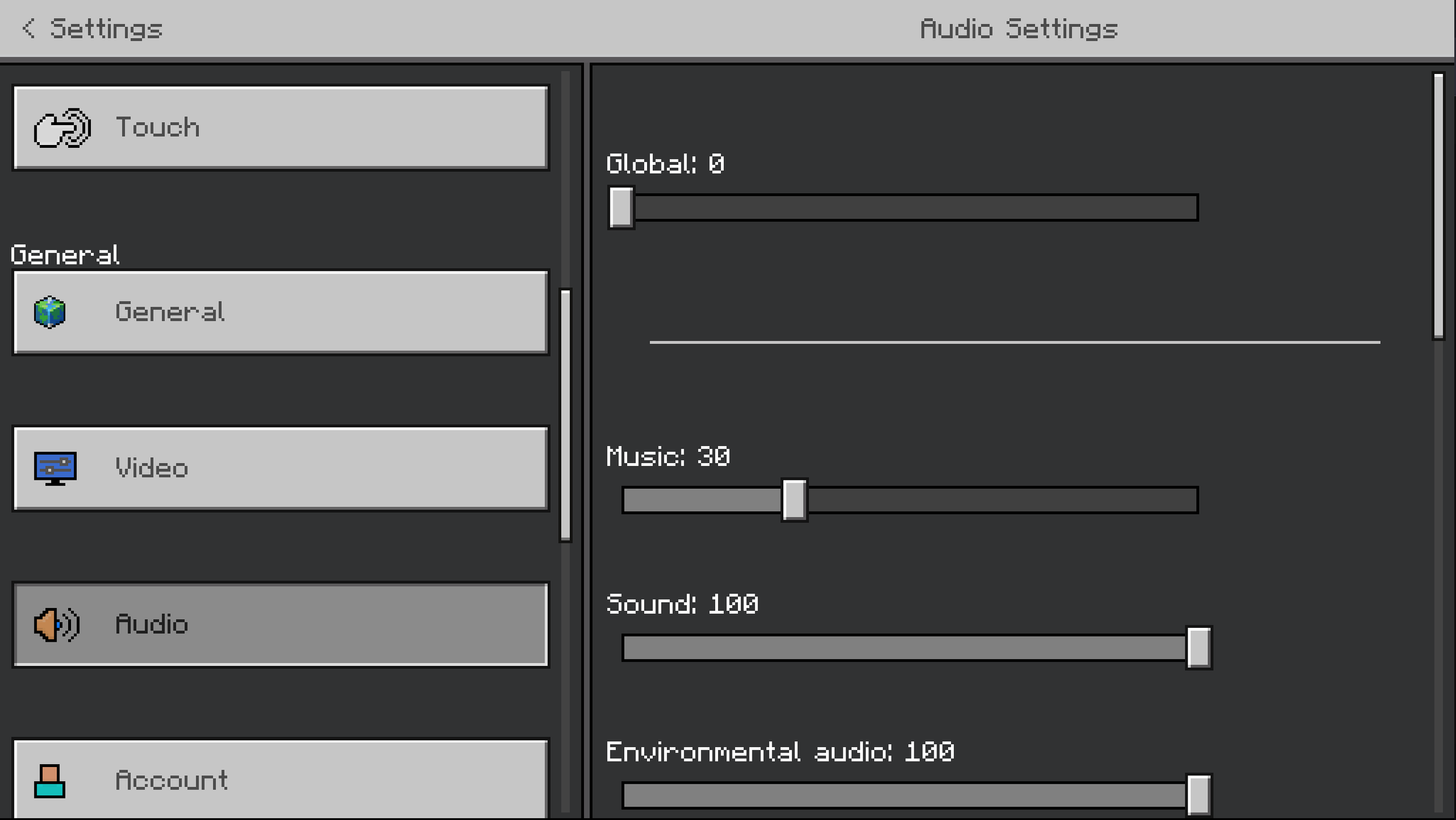
The Audio screen
Before the update
The previous Keybinding screen
The previous Audio screen
The previous Accessibility screen
The previous Video screen