Payday 3 — Gameplay UX
Payday 3 is a co-op, systems-driven game where readability, feedback, and player understanding are critical under pressure. Gameplay UX needs to support fast decision-making while remaining legible across difficulty levels and play styles.
I was the sole UX designer on gameplay for Payday 3, working across UI as well as closely with 3C design, enemy design, and level design. The role focused on shaping how core systems communicate with the player, ensuring that mechanics, feedback, and interactions remain clear and usable in moment-to-moment play.
The work spans interface design, interaction design, and systemic UX, developed through close collaboration with multiple disciplines and continuous iteration.
Below are selected examples from this work, showing how gameplay UX considerations were applied across core systems and scenarios.
The HUD
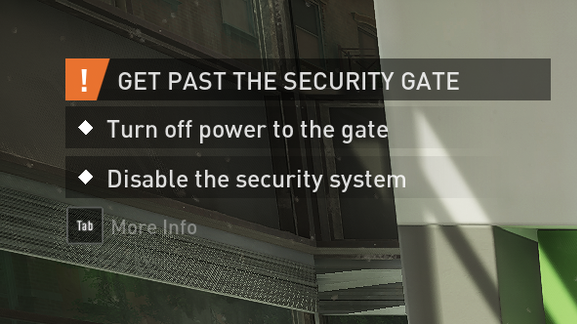
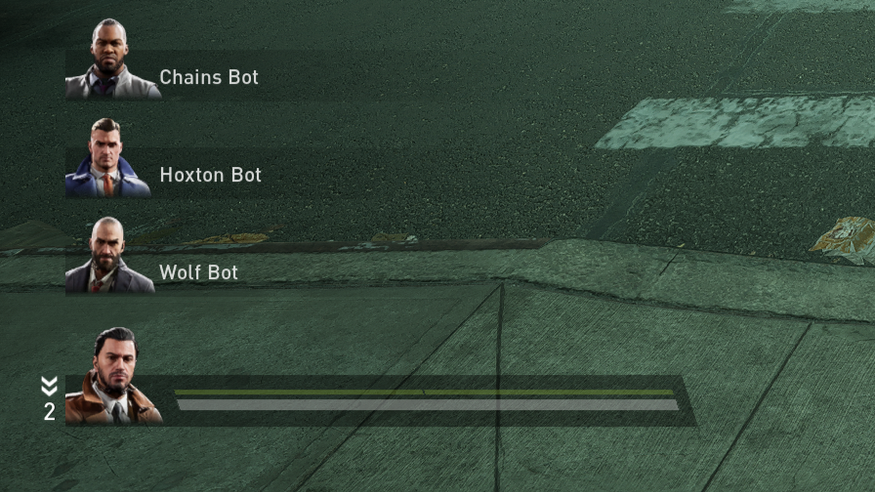
For the HUD, I worked on presenting gameplay information clearly within the constraints of a small, fast-moving team. Simple shapes and strong visual hierarchy were key, allowing us to move quickly while keeping the interface readable and accessible.
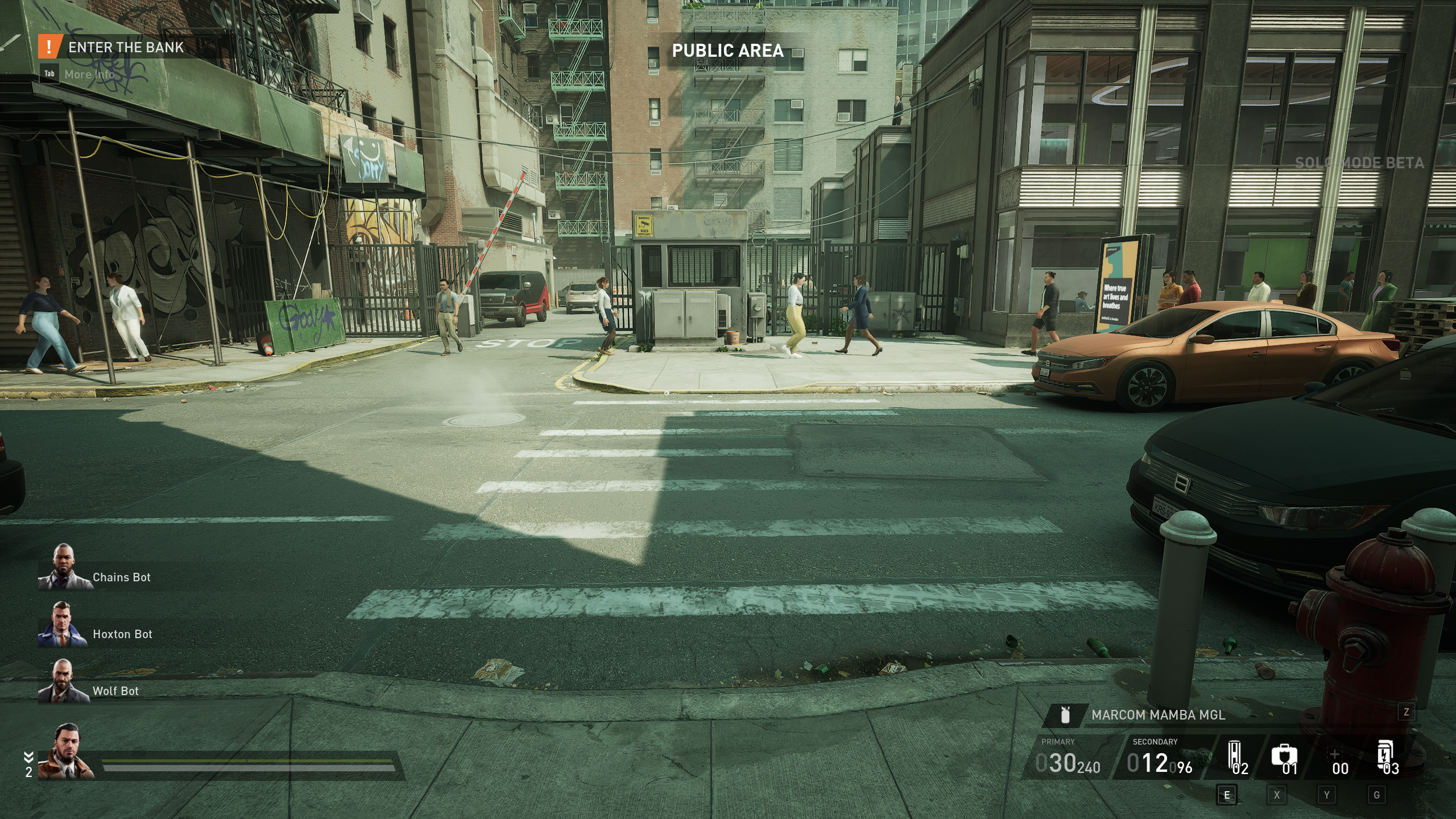
HUD elements
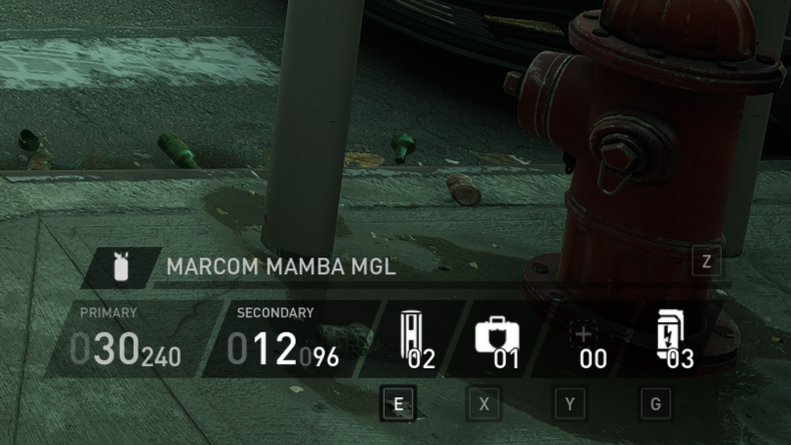
Weapons & items
Objective tracker
Player vitals & Party composition
Game state

Gameplay UI
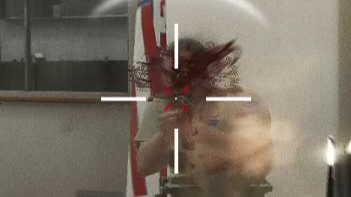
I worked on combat UI systems including enemy health bars, the crosshair, and enemy detection and awareness cues. The focus was on clear, accessible feedback that supports quick decision-making during moment-to-moment combat.
Combat UI
Enemy health
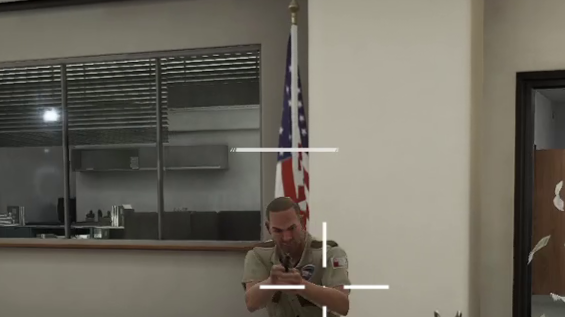
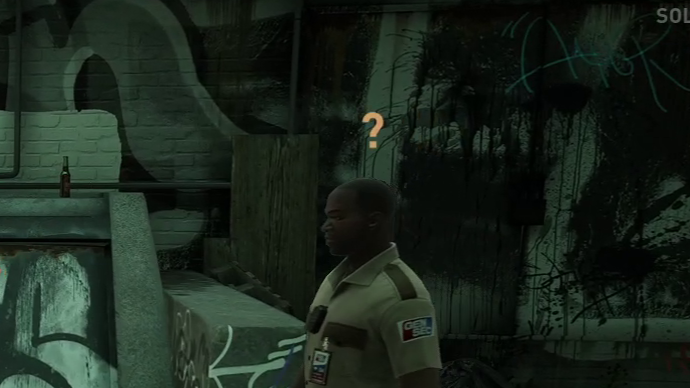
Stealth awareness
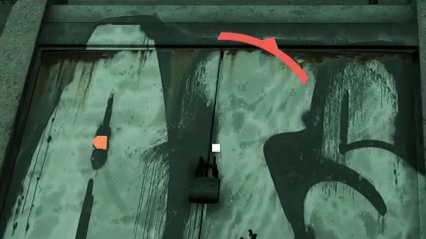
Combat awareness
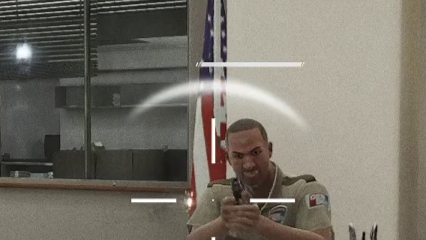
Crosshair & hit feedback
Stealth UI
Enemy observation state
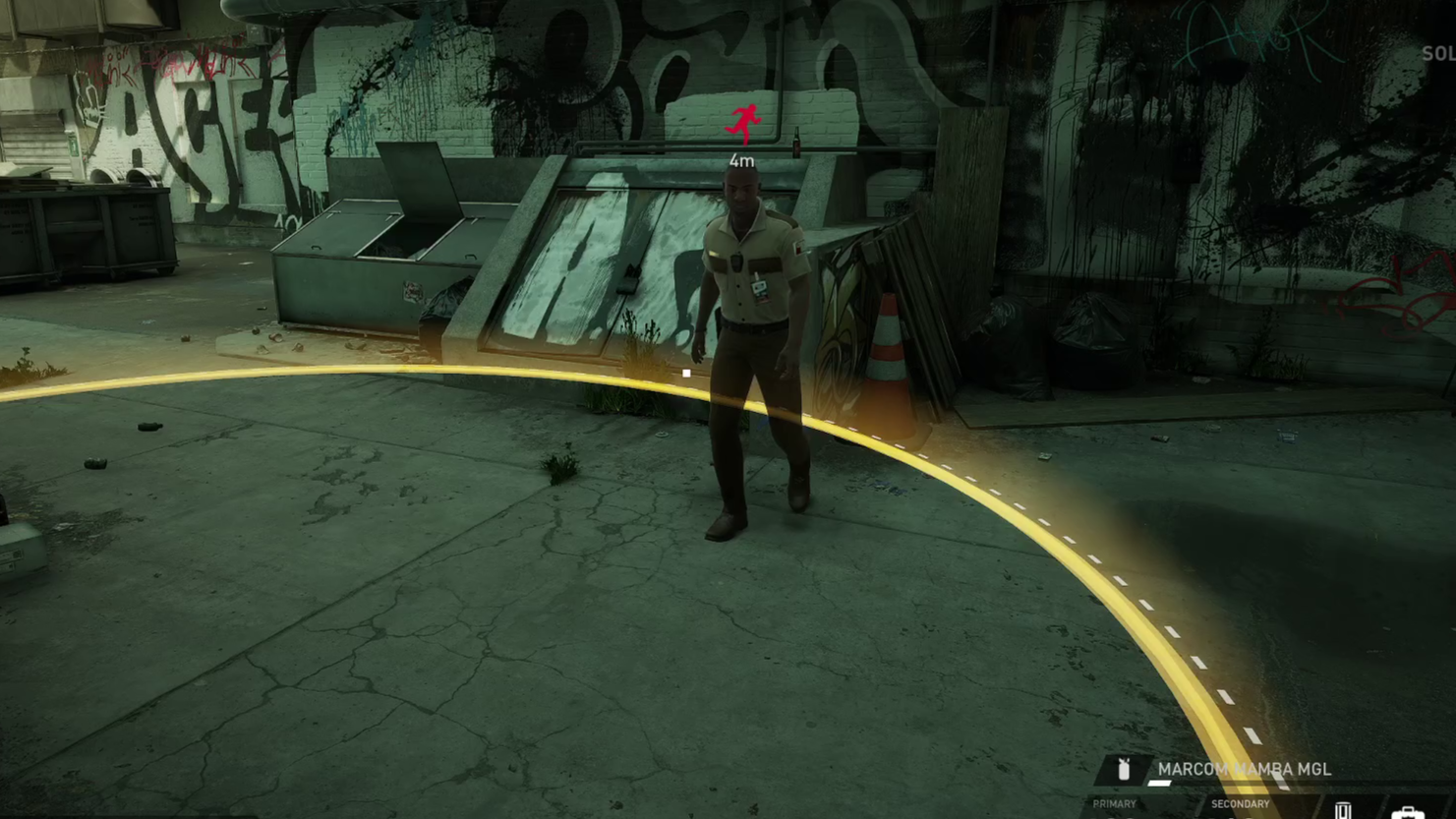
Enemy arrest state & arrest radius
Settings menu
I worked on customization and settings for Payday 3, including designing the settings menu and extensive crosshair customization. A key focus was enabling flexible options across keybindings, UI, gameplay, and aiming feedback to support different play styles and accessibility needs.